AI-Generated polls from prompt
Available in Host modeShare your meeting goal, audience size and use case to get tailored polls in seconds. Spend less time preparing and get new ideas for engaging your audience.
Learn more
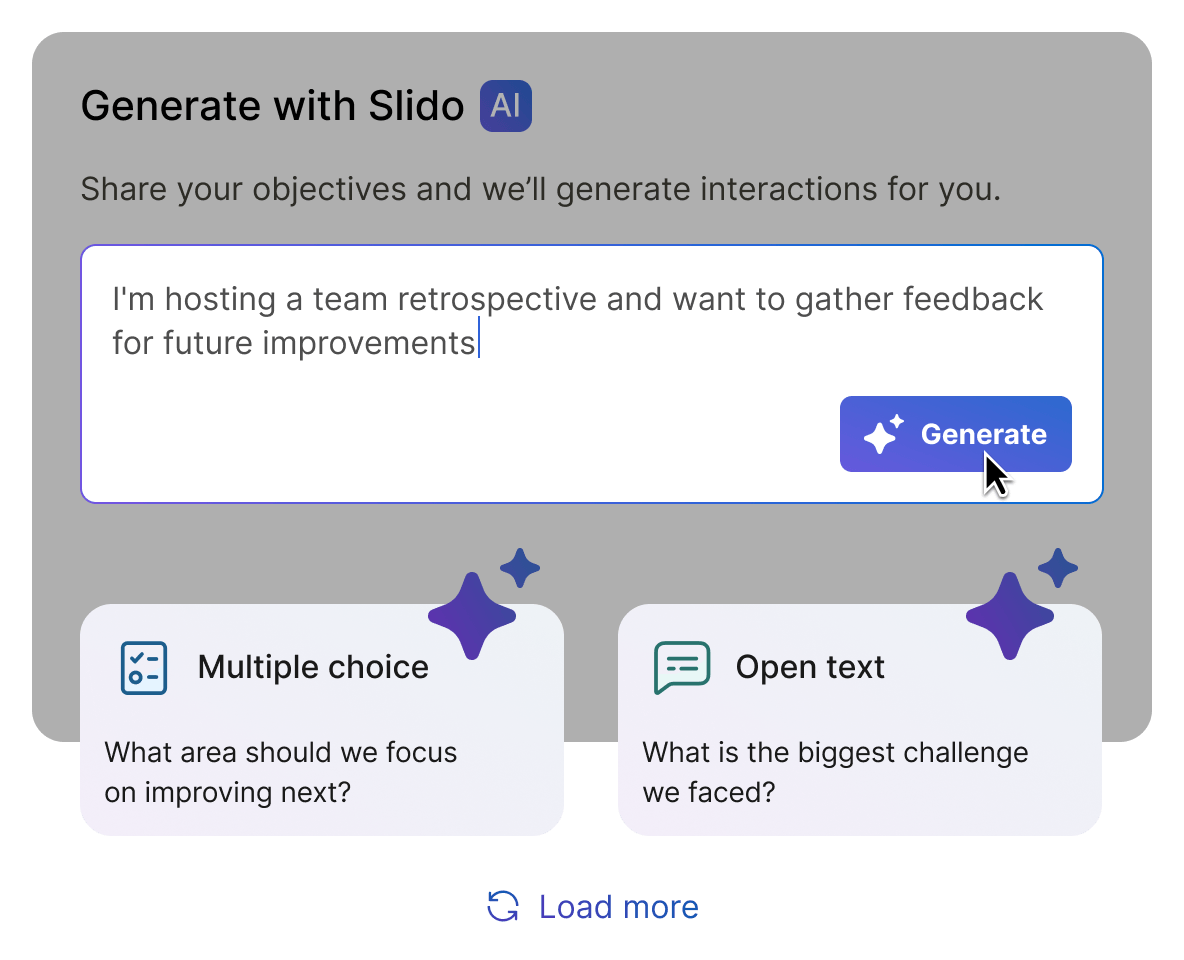
Create polls faster with AI-powered suggestions and refined wording.
 Now available in all Slido plans
Share your meeting goal, audience size and use case to get tailored polls in seconds. Spend less time preparing and get new ideas for engaging your audience.
 PowerPoint
 Google Slides
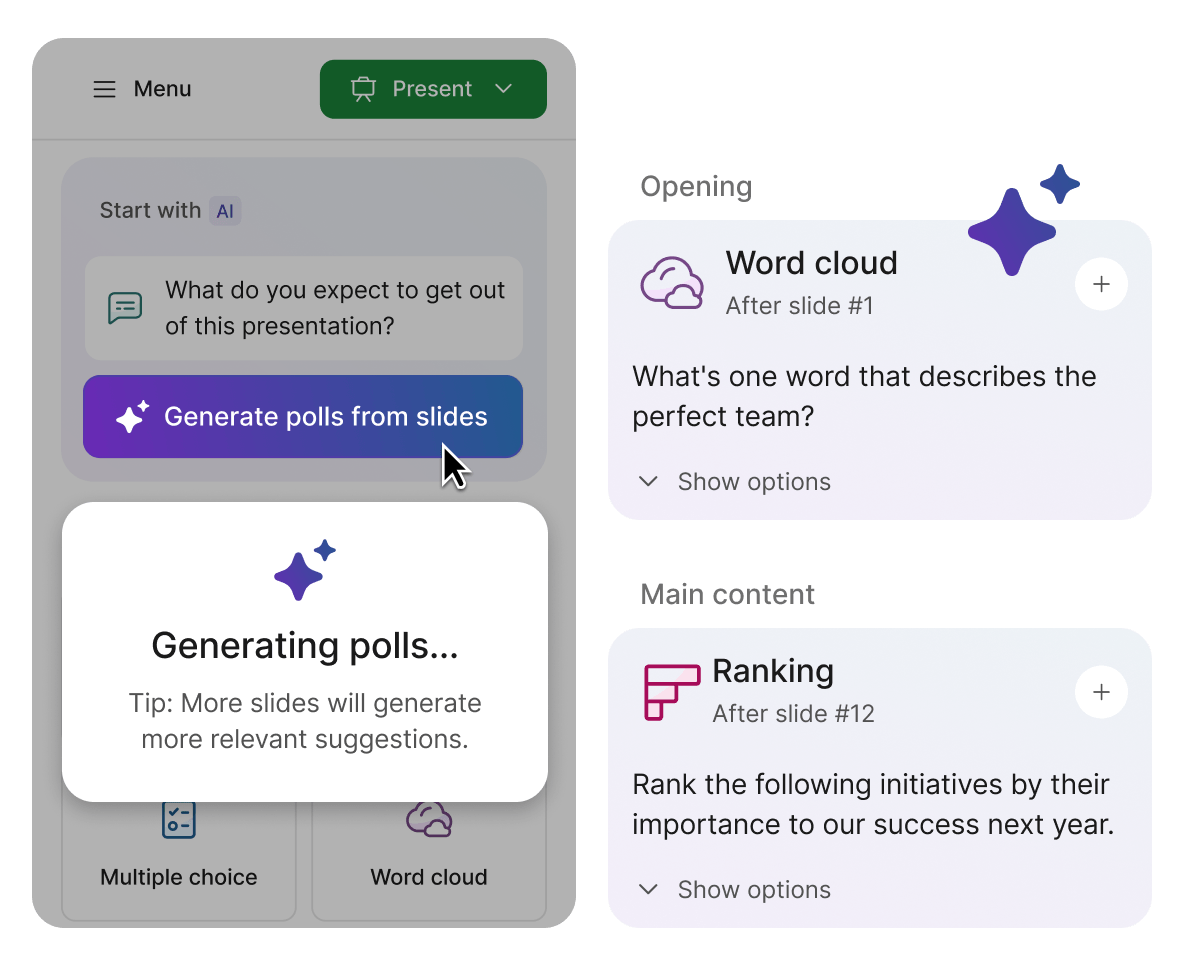
Turn your presentation content into polls. Slido AI reviews your slides and suggests interactions that fit naturally into the flow of your presentation.
 PowerPointGoogle Slides
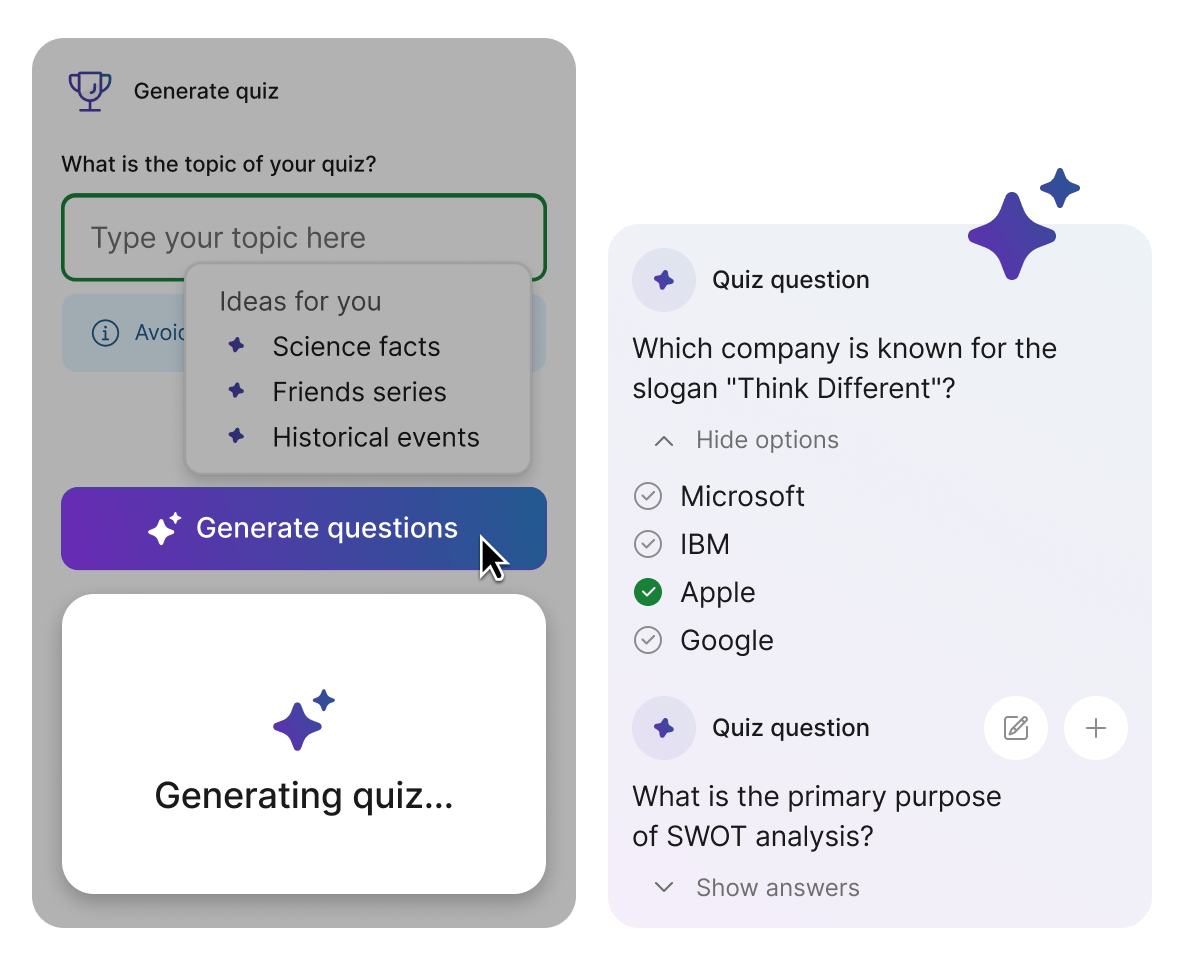
Build a quiz in just a few clicks. Enter your own topic or choose a suggested one, then generate questions and pick the ones you want to include in your presentation.
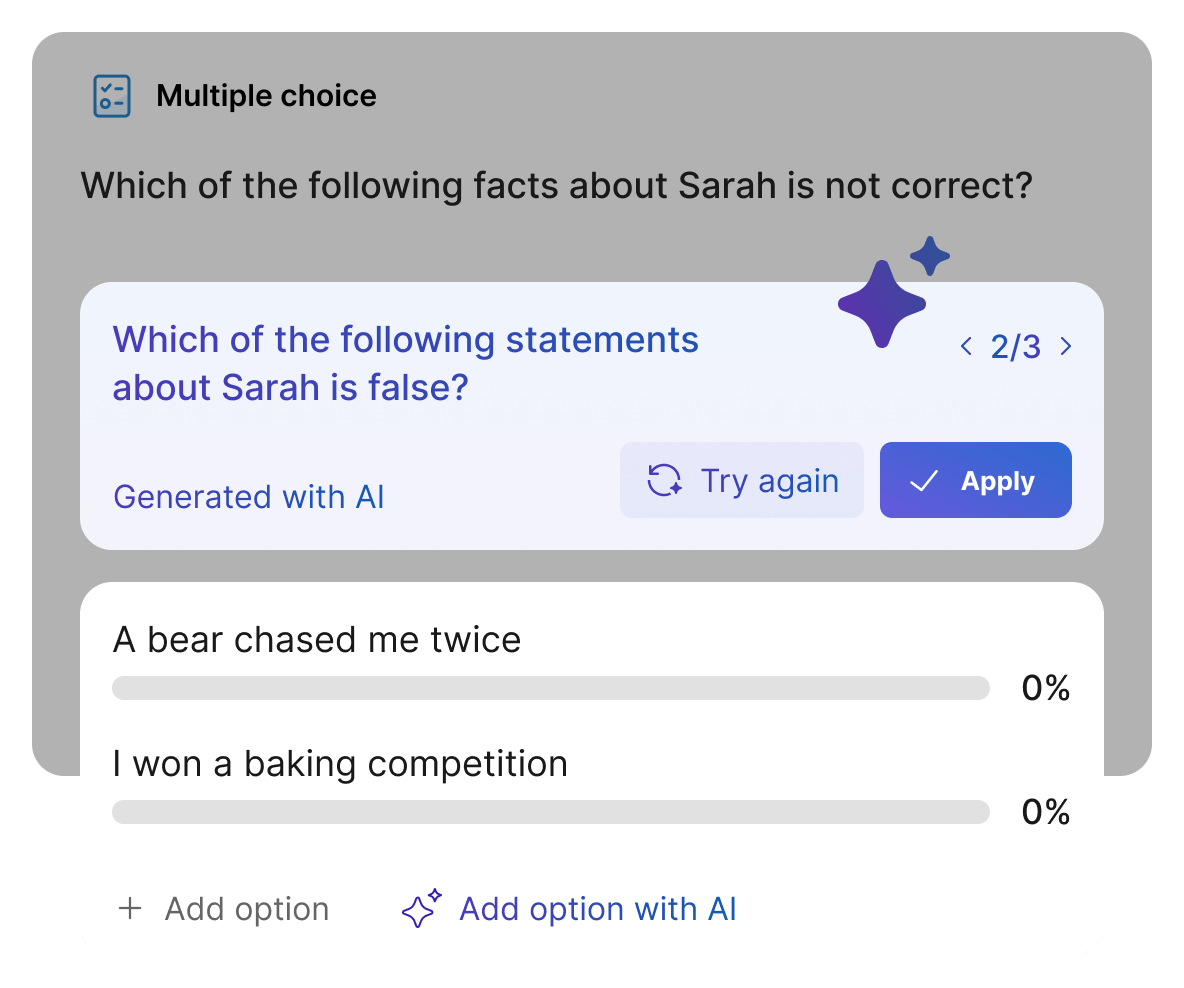
Fine-tune your poll questions without spending extra time on wording. Let AI rephrase questions for clarity and come up with answer options for multiple choice and ranking polls.
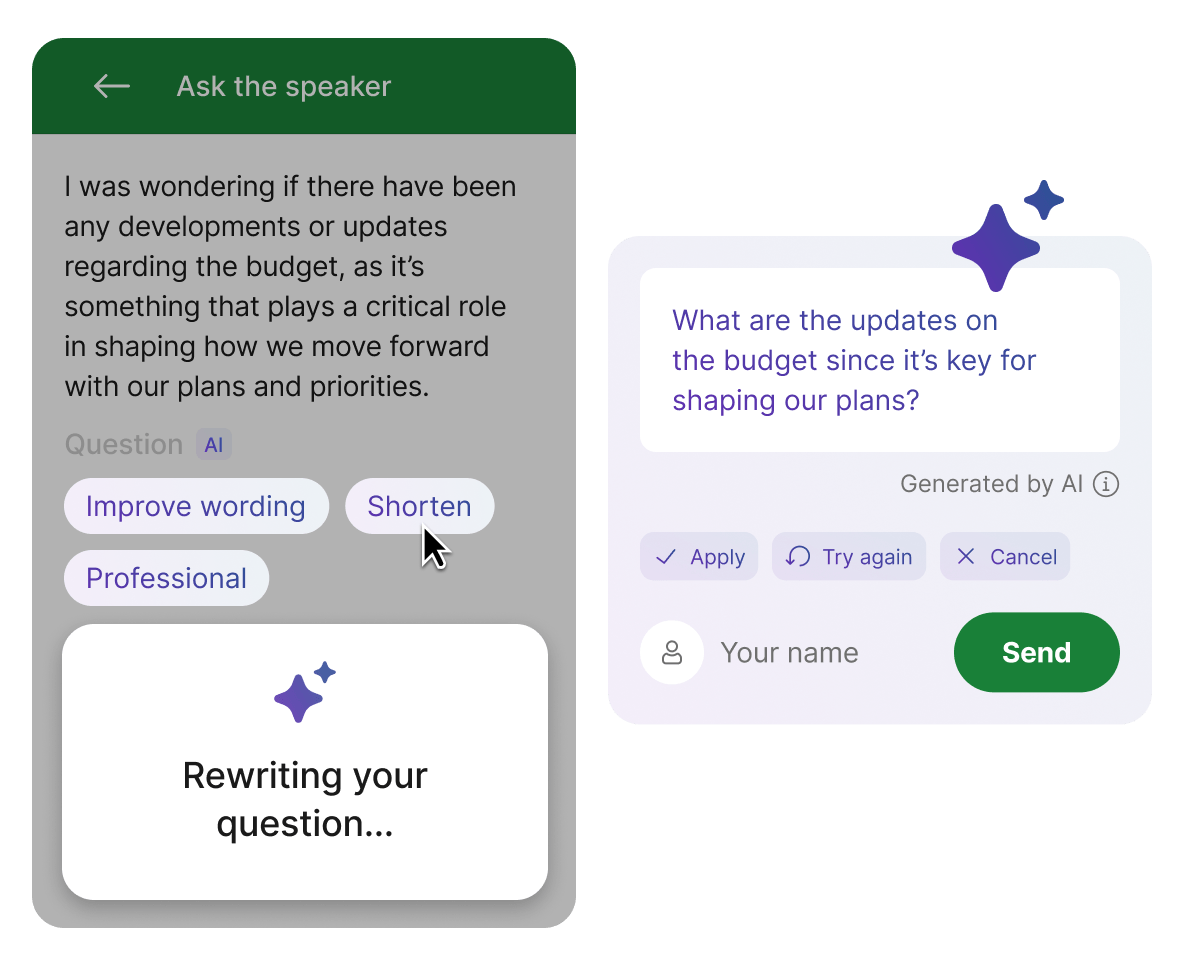
Help participants ask clearer questions with more confidence. AI helps them improve wording, shorten, longer questions and adjust tone before sending.









Slido AI settings are availabe for admins and owners in all paid Slido plans
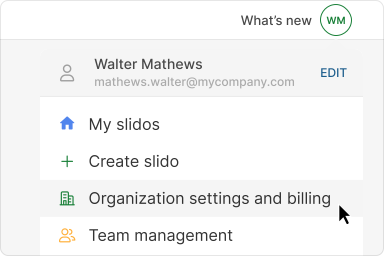
Click on your profile icon and open Organization settings and billing.
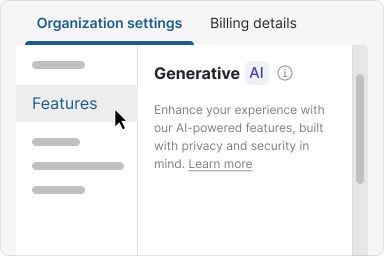
Navigate to Features >Generative AI
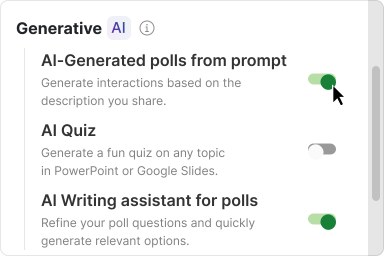
Choose which AI features you want to enable or disable for your organization.
Check out our Community AI Hub for detailed guides, tutorials and FAQs on using Slido AI.