Get started in seconds
No setup, no tutorial. Everyone can contribute equally, no matter your meeting size or setup. Just ask a question and collect ideas live or before the meeting.
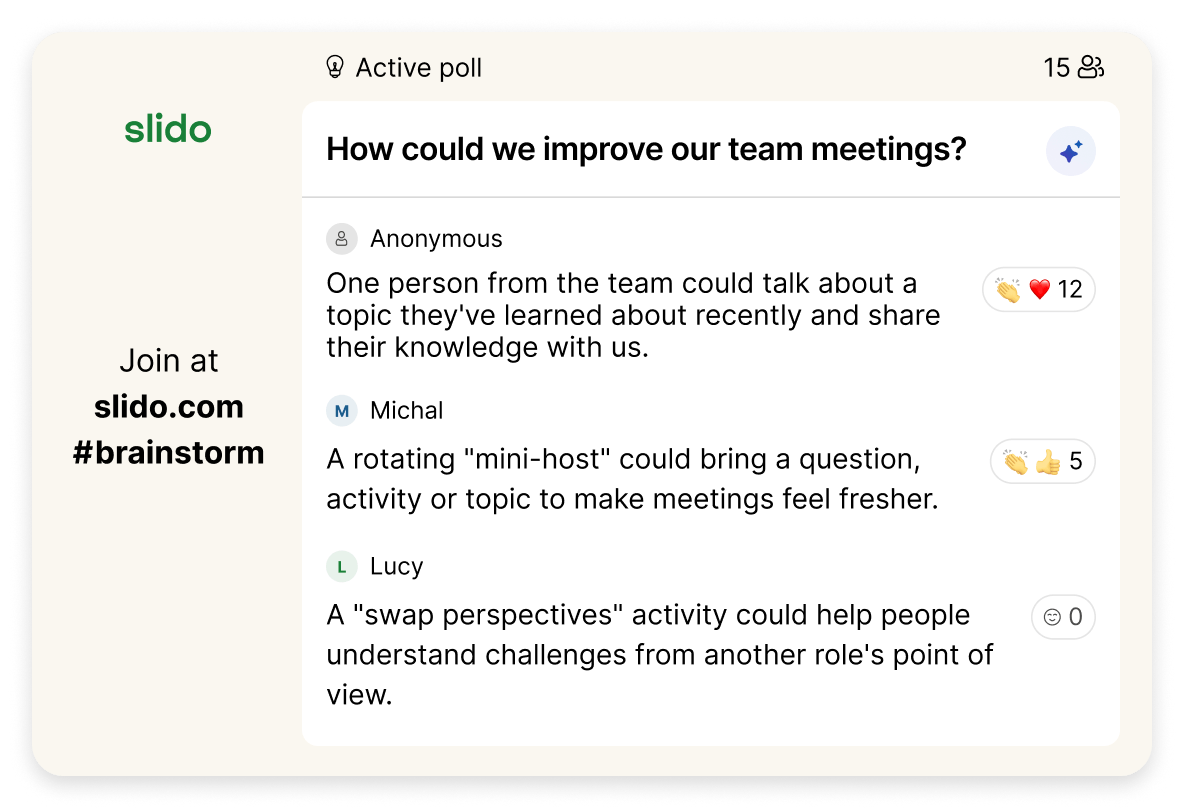
Collect ideas from your audience, see the most popular ones and use AI to categorize similar responses.
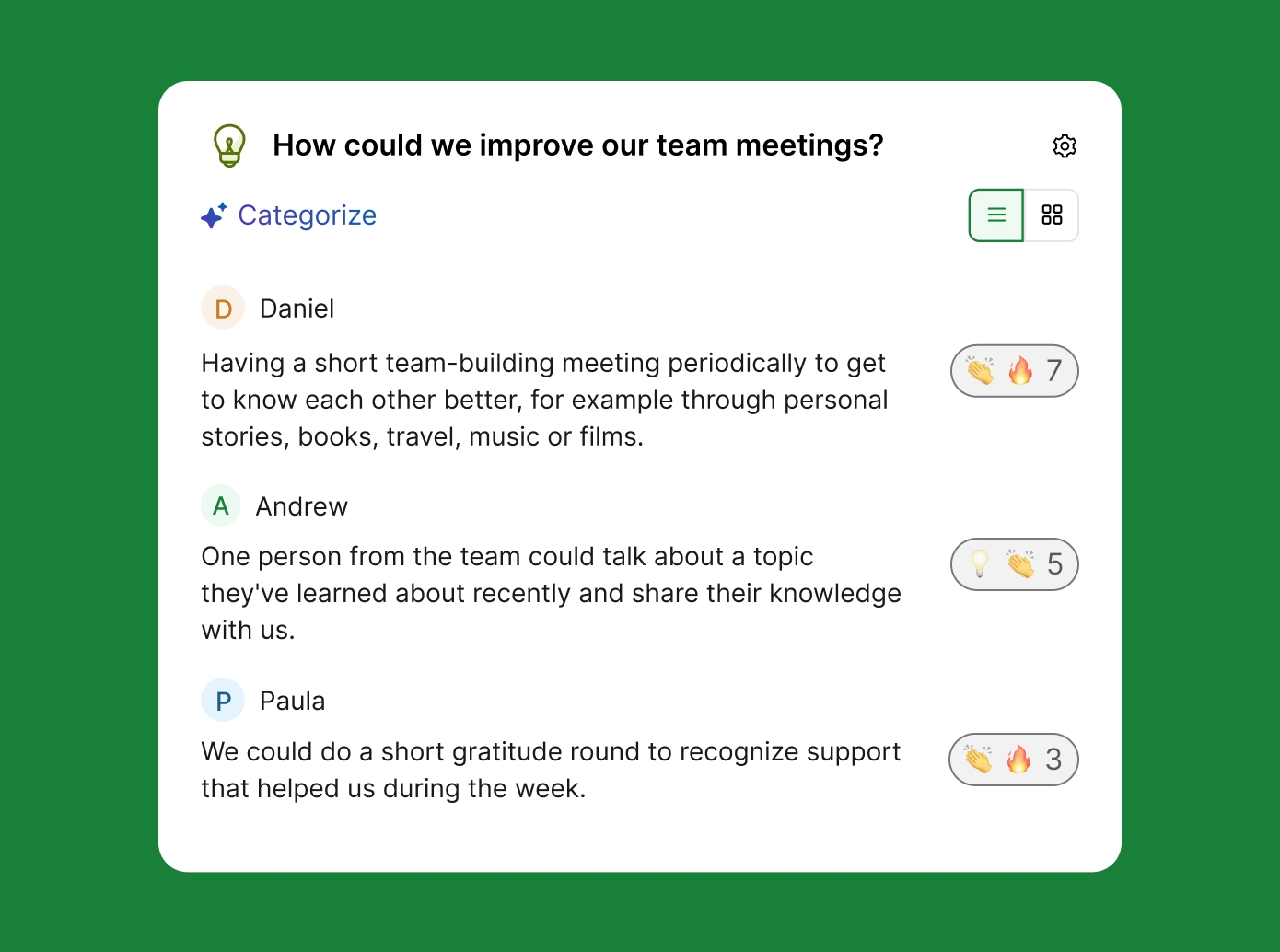
No setup, no tutorial. Everyone can contribute equally, no matter your meeting size or setup. Just ask a question and collect ideas live or before the meeting.
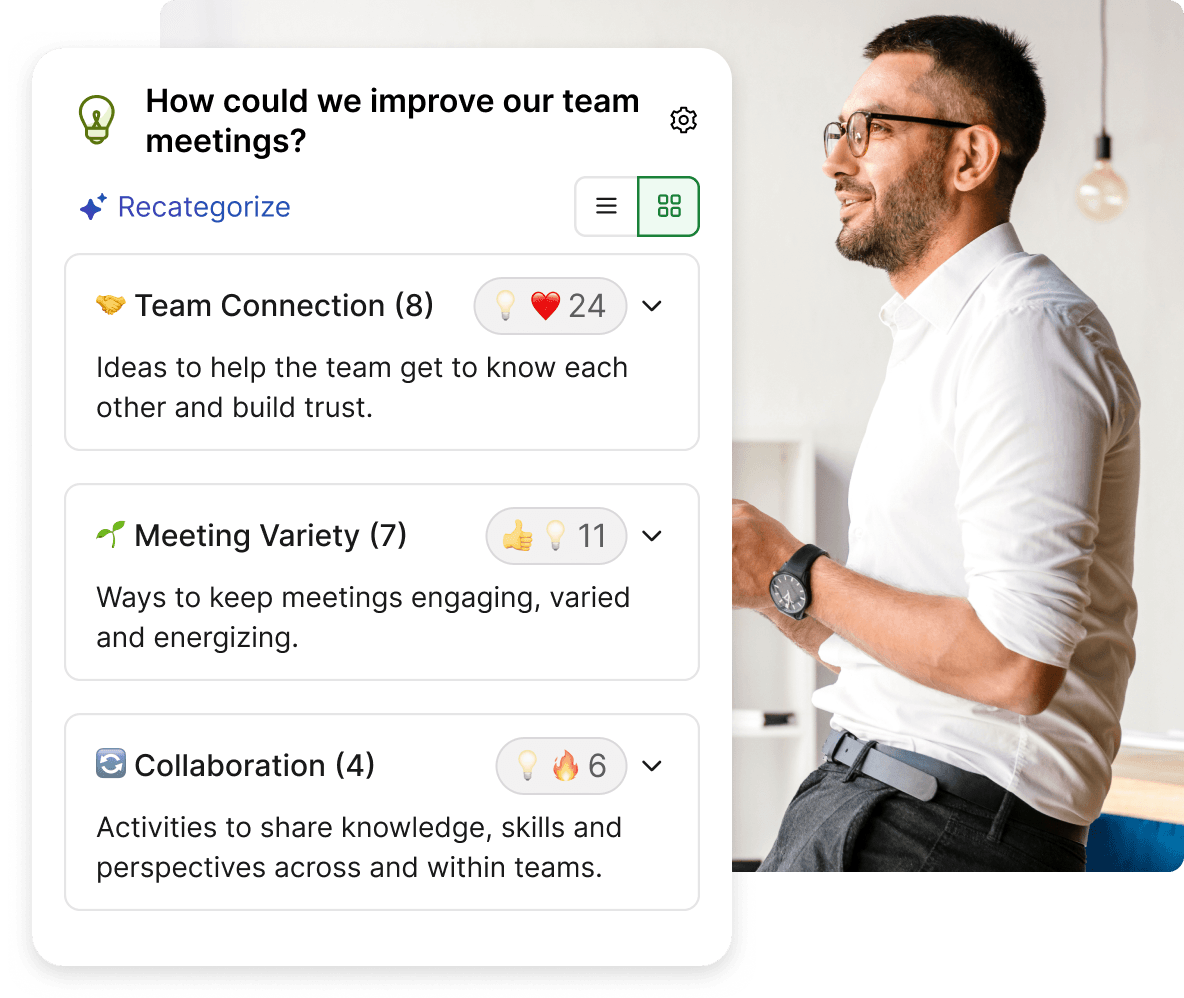
Skip the manual sorting. AI groups similar ideas into categories, so you can spend less time organizing responses and more time discussing what to do next.
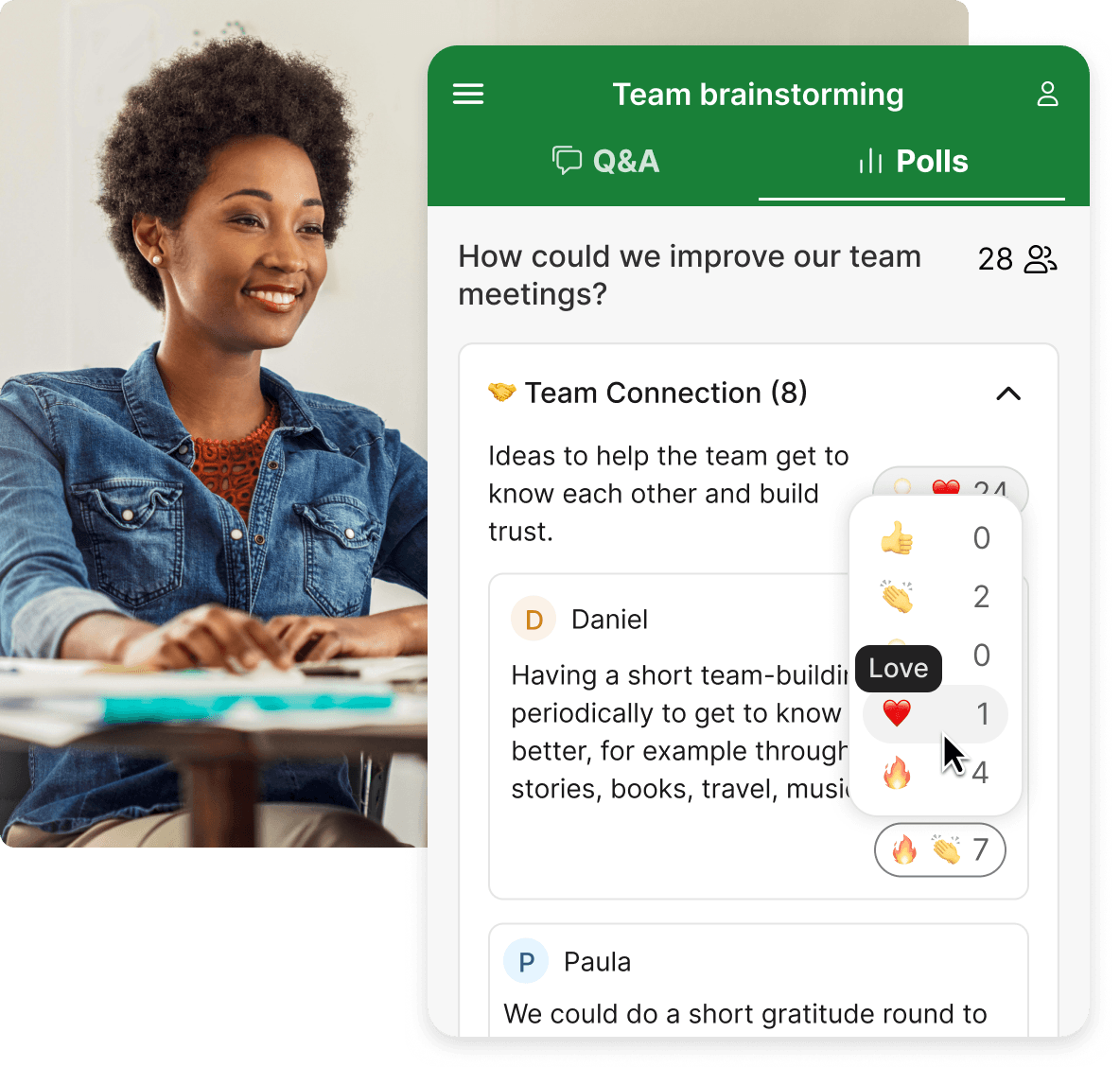
With emoji reactions from your audience, you can see which ideas resonate most, focus the discussion and decide what to act on.

Spot the most popular project ideas to explore first.

Collect product ideas to help decide what to build next.

Crowdsource what to cover in retros, workshops or all-hands.

Shape the agenda around what your team cares about.

Identify the most pressing challenges and roadblocks.

Align with your leadership team on strategic focus areas.
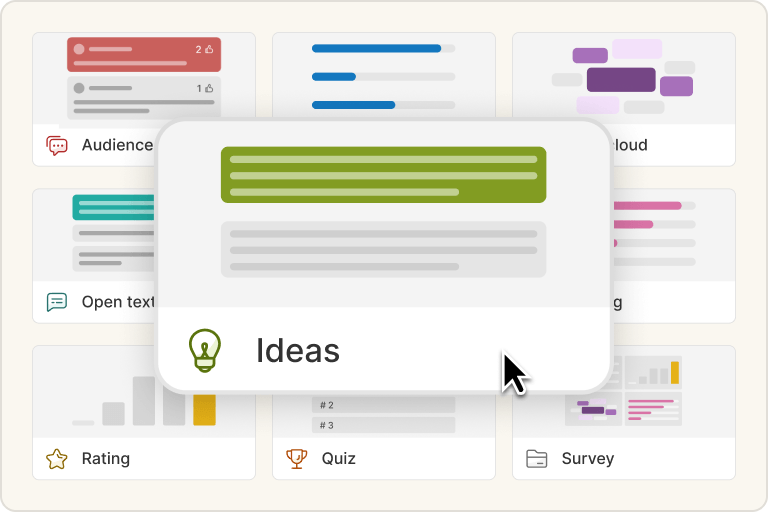
Prepare your brainstorming poll in Slido and invite participants to respond live or ahead of time.
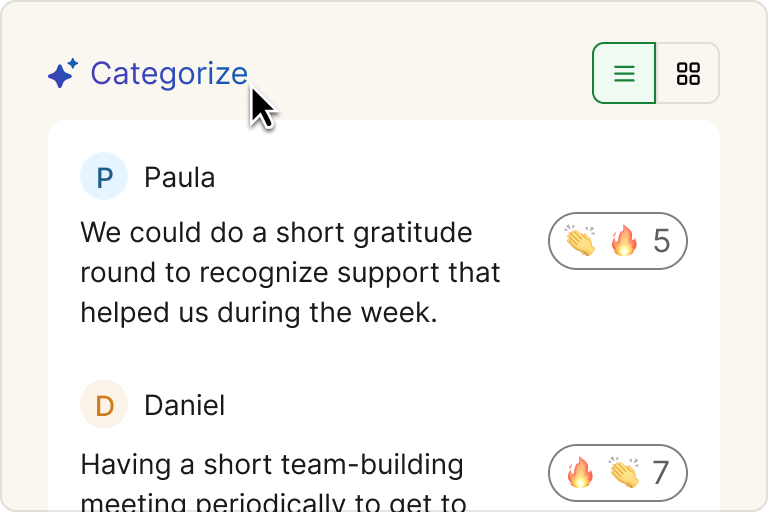
Use AI-powered categorization to turn a long list of ideas into common themes in one click.
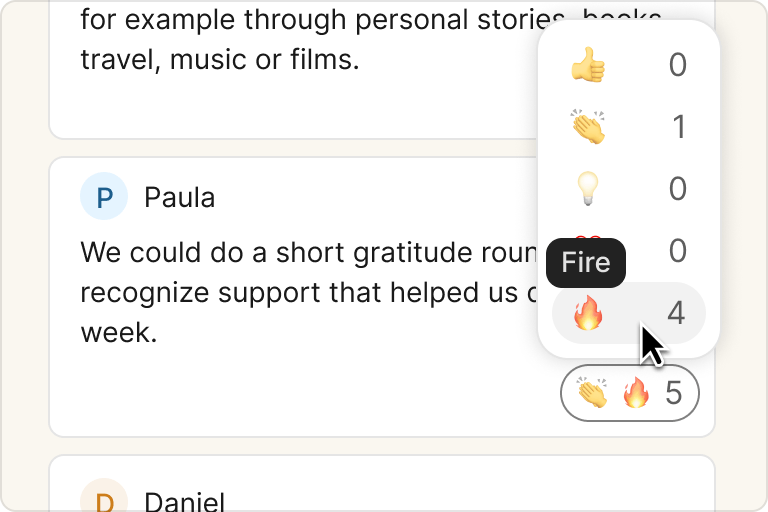
Participants can react to others’ ideas with emojis, helping you quickly see what stands out.
Get inspired by our guide to brainstorming with Slido Ideas.